When it comes to protecting your PC, many people believe that strong digital security always comes with a price tag. While paid tools certainly offer more advanced protection, the truth is that you can still find the best free antivirus for Windows 11 that delivers solid security without costing a cent.
But here’s the catch — free antivirus software often comes with limitations. Some lack real-time protection, others push constant upgrade ads, and a few restrict features that are essential for complete safety. So which free antivirus tools are actually worth installing?
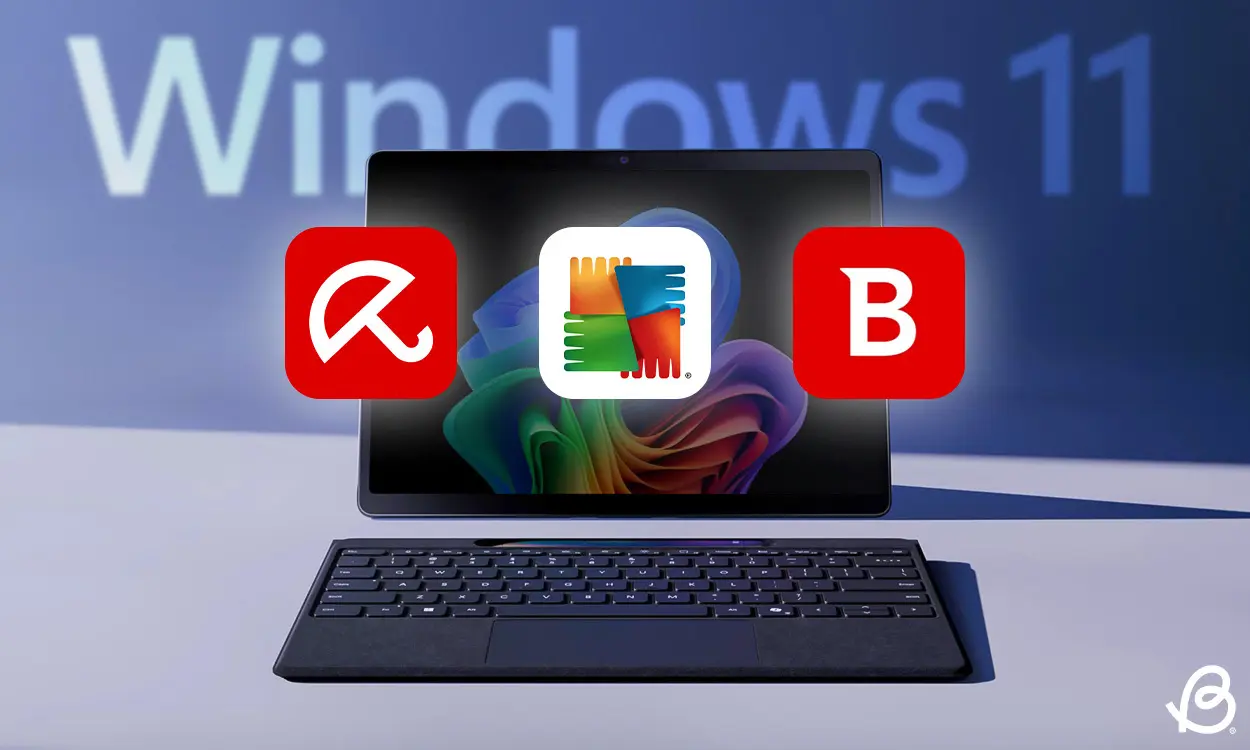
In this detailed guide, we’ll break down three major contenders: TotalAV, Bitdefender, and Avira. We’ll look at their free features, performance, usability, and what you gain if you upgrade. By the end, you’ll know exactly which best free antivirus for Windows 11 fits your needs.
Why You Still Need Antivirus on Windows 11
Windows 11 comes with built-in security, but that doesn’t mean you’re invincible. Cyber threats are constantly evolving — malware, ransomware, phishing attacks, and malicious websites are more advanced than ever.
A good antivirus adds:
- Real-time threat detection
- Protection against phishing websites
- Malware scanning and removal
- Extra layers of behavioral monitoring
Free antivirus software won’t give you everything, but it can still provide an essential safety net.
TotalAV Free Antivirus for Windows 11
TotalAV is often recommended as an entry-level security tool. While its premium version is packed with features, let’s focus on what the free version offers.
Key Free Features
The free version of TotalAV includes:
- Malware scanning to detect and remove threats
- Anti-phishing protection to block malicious websites
That’s about it. There’s no real-time protection, which means threats are only detected when you manually run a scan. This is a significant limitation, as malware could remain on your system unnoticed between scans.
Security and Performance
During testing, TotalAV’s free scanner removed 80 out of 100 threats, which is a respectable result for a no-cost tool. It’s not the strongest on the market, but it’s far from useless.
Performance-wise, scans used around 30–80% of CPU, which means you may notice some slowdown during full scans, but it’s still manageable.
Ease of Use
One of TotalAV’s biggest strengths is its modern and user-friendly interface. Everything is clearly laid out, and even beginners can navigate the app without confusion.
Downsides of the Free Version
- No real-time protection
- Frequent ads pushing you to upgrade
- Limited to one device
What You Get with the Paid Version
Upgrading unlocks:
- Real-time protection
- Advanced ransomware protection
- System optimization tools
- VPN
- Password manager
The premium version is significantly more powerful, making the free plan feel more like a trial than a complete solution.
Bitdefender: A Strong Contender for the Best Free Antivirus for Windows 11
Bitdefender is a well-known name in cybersecurity, and its free version is surprisingly capable.
Key Free Features
Bitdefender’s free plan includes:
- Malware scanning (including external drives)
- Real-time protection
- Advanced threat defense using behavioral detection
- Online threat prevention against malicious websites
Real-time protection alone makes Bitdefender stand out in the best free antivirus for Windows 11 category, since many free tools don’t include it.
Security and Performance
Bitdefender detected and removed 85 out of 100 threats in testing — the highest score among the three.
Even more impressive, it only used about 1–11% CPU, meaning it runs quietly in the background without slowing your PC.
The Catch
Bitdefender scans are thorough but slow. A full scan took over an hour to complete.
Also, while the interface is clean, it may feel slightly less intuitive at first compared to TotalAV.
Free Version Limitations
- No firewall
- No system optimization tools
- Limited features on mobile platforms
Still, for essential Windows protection, Bitdefender’s free version is one of the strongest options available.
Premium Features
The paid version adds:
- Ransomware protection
- Privacy firewall
- Password manager
- VPN (though limited to 200MB per day unless upgraded)
The free version is strong for basic security, but the premium plan fills important gaps in privacy and network protection.
Avira Free Security for Windows 11
Avira is one of the oldest names in antivirus software and continues to stay relevant with a feature-rich free plan.
Key Free Features
Avira’s free version includes:
- Malware scanning
- Real-time protection
- System optimization tools
- Password manager (limited)
- File shredder
- Safe shopping and anti-phishing protection
Feature-wise, Avira offers more tools than most free antiviruses, which makes it very appealing at first glance.
Performance Results
Avira removed 79 out of 100 threats during testing. That’s slightly lower than TotalAV and Bitdefender, but still decent.
One big advantage: scan speed. Avira completed a scan in about 10 minutes, much faster than Bitdefender.
User Experience
The interface is accessible, but the free version can feel cluttered with frequent upgrade ads. Over time, this can become frustrating.
Feature Limitations
- VPN limited to 500MB per month
- Password manager doesn’t allow autofill
- Some tools mainly serve as upsell hooks
Premium Upgrade Benefits
Avira’s paid plan adds:
- Firewall
- Ransomware protection
- Email protection
- Web protection
- Customer support (including phone support)
Without ads and with full feature access, the premium experience is much smoother.
Comparing the Best Free Antivirus for Windows 11
| Feature | TotalAV Free | Bitdefender Free | Avira Free |
|---|---|---|---|
| Real-time protection | ❌ | ✅ | ✅ |
| Malware detection score | 80% | 85% | 79% |
| Scan speed | Moderate | Slow | Fast |
| CPU usage | Medium–High | Very Low | Moderate |
| Extra tools | Minimal | Basic | Many (limited) |
| Ads in free version | Frequent | None | Frequent |
Quick Summary
- Best for real-time protection & performance: Bitdefender
- Best for extra tools: Avira
- Best for simple on-demand scanning: TotalAV
“Read Also: How Google Search Is Evolving with AI“
Should You Upgrade from a Free Antivirus?
Free antivirus tools are great for basic protection, but they usually lack:
- Advanced ransomware defense
- Firewall protection
- Full-feature VPN
- Complete password manager
- Multi-device coverage
If you store sensitive data, shop online often, or work remotely, a premium plan adds valuable layers of protection.
FAQ: Best Free Antivirus for Windows 11
1. What is the best free antivirus for Windows 11 overall?
Bitdefender stands out due to its real-time protection, strong malware detection, and low system impact.
2. Is free antivirus enough for Windows 11?
It’s enough for basic protection, but it may not defend against advanced threats like ransomware or network attacks.
3. Which free antivirus has the most features?
Avira offers the widest range of extra tools, including optimization features and a password manager, though many are limited.
4. Does TotalAV free include real-time protection?
No, TotalAV’s free version only provides manual scanning and anti-phishing protection.
5. Do free antiviruses slow down Windows 11?
Some can during scans, but Bitdefender showed very low CPU usage, making it one of the lightest options.
“Read Also: Gaming Headsets for PUBG Mobile“
Final Verdict: Choosing the Best Free Antivirus for Windows 11
So, is there truly a best free antivirus for Windows 11? Yes — but every option comes with trade-offs.
- Bitdefender delivers the strongest free protection with real-time defense and excellent performance.
- Avira is packed with features, though many are limited and supported by ads.
- TotalAV works fine for occasional manual scans but lacks essential real-time security.
If you just need basic protection and safe browsing, a free antivirus can do the job. But if you want full peace of mind, especially against ransomware and network threats, upgrading to a premium plan is a smart move.
In the end, the best choice depends on how you use your PC — but now you have all the information needed to pick the best free antivirus for Windows 11 with confidence.